
Study the explanation after the video ends
Turn a long timeline into a note and recall prompts that are easier to revisit than repeatedly searching for the same spoken section.
A clear tutorial can make a difficult topic click, but another full rewatch is a slow way to test what you remember. Paste an educational YouTube link into BrainDen, review the structured note for visual details the spoken content may not capture, and practise the key ideas as flashcards connected to the rest of your course library.
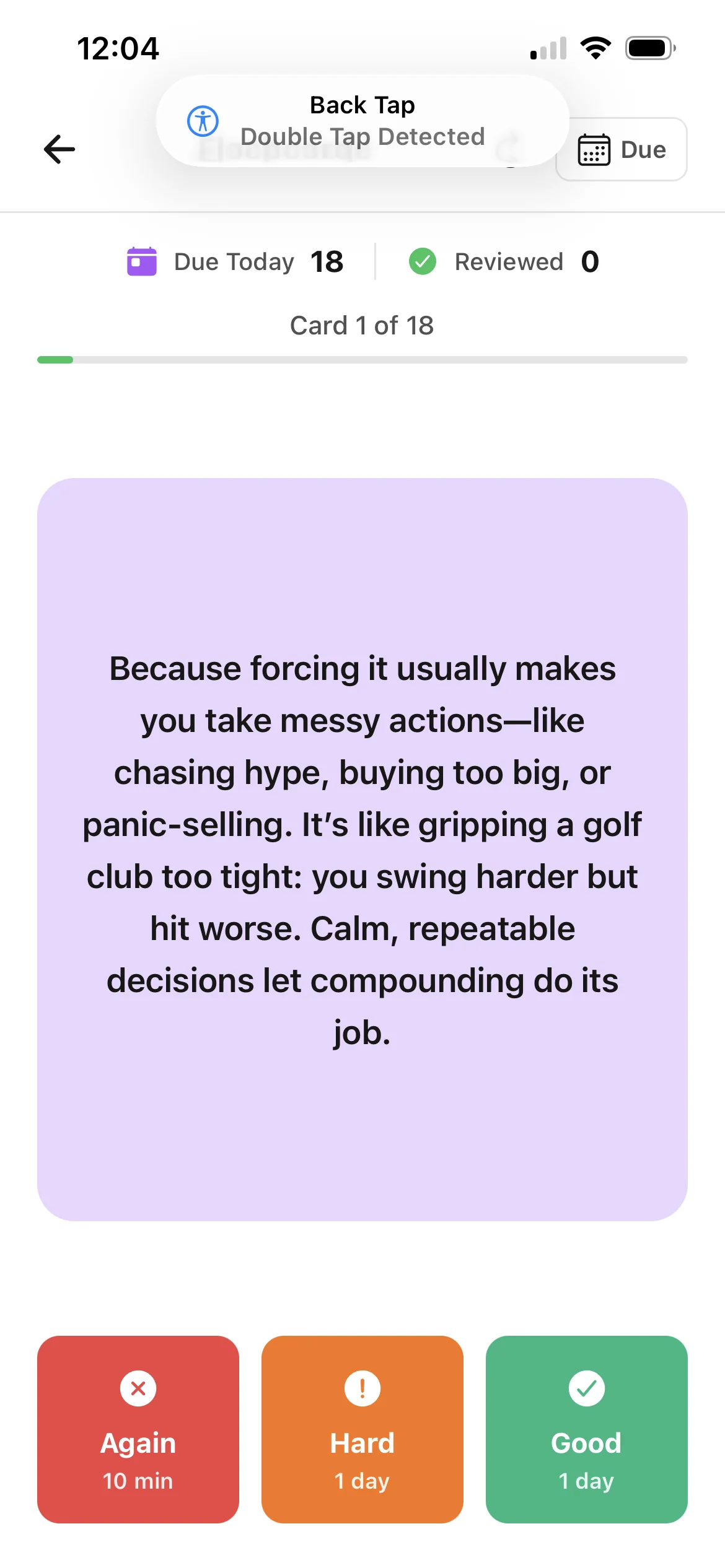
Turn a long timeline into a note and recall prompts that are easier to revisit than repeatedly searching for the same spoken section.
Record the meaning of a diagram, equation, code change, or physical demonstration when the visual action carries information beyond the narration.
File the note in the right module and link it to the lecture or reading that motivated the search, rather than leaving useful video knowledge isolated.
Workflow fit
From source to active study
Use a lecture, tutorial, demonstration, or revision video that explains the topic you need. Private, restricted, unavailable, or unsuitable videos may not be processable.
Check names, notation, examples, and the order of any procedure. Add visual context manually when the spoken content does not describe what appears on screen.
Answer each prompt from memory, reveal the response, and return to the note or original video when you need the explanation, demonstration, or exact context.
A concrete example
A 24-minute tutorial that derives the chain rule, works through two examples, and shows a common error when identifying the inner function.
A useful result could include
Generated material is a study aid. Review important terminology, notation, and claims against your source.
Make the result better
BrainDen removes repetitive setup work. Your judgement, course context, and retrieval practice are what turn the result into learning.
Prioritize concepts, decisions, steps, and contrasts that you need to retrieve. Background remarks and repeated phrasing usually belong in the note, not the review set.
Return to the creator's video for demonstrations, attribution, exact quotations, and context. Use material you are allowed to study and respect the creator's rights.
If you recognize the answer but cannot reconstruct the reasoning, use Explain It Back and link the video note to a course reading or lecture that supplies another explanation.
Questions and answers
Paste the video URL into BrainDen's YouTube import, review the structured note, add missing visual context, and open the connected flashcard view.
No. Processing depends on whether BrainDen can access suitable video content. Private, restricted, unavailable, or otherwise unsupported videos may not work.
Spoken explanations provide the main starting point. Add important visual relationships, equations, code, or physical steps to the note before relying on the cards.
The flashcards stay connected to the video note, and that note can link to related lecture notes, readings, or prerequisite topics elsewhere in your BrainDen library.
Continue in your connected library
Folders tell you where a note belongs. Links show how its ideas relate to the rest of what you know. Connect a concept to another lecture, reading, or course and use backlinks to find the relationship from either side.
Explore this featureOrganize your libraryA growing study library should match the way your course is actually structured. Build folders inside folders so lectures, readings, assignments, and revision topics stay easy to find.
Explore this featureKeep building your study system
Start with an educational YouTube video, create a connected note, and choose the study tools that help you understand and remember it.