
See the main ideas together
Organize explanations from across a long video into a note that is easier to scan and revisit.
Educational videos are useful, but scrubbing through the same timeline is a slow revision method. Paste a YouTube link into BrainDen to create a structured note, then turn the ideas into active study instead of another passive rewatch.
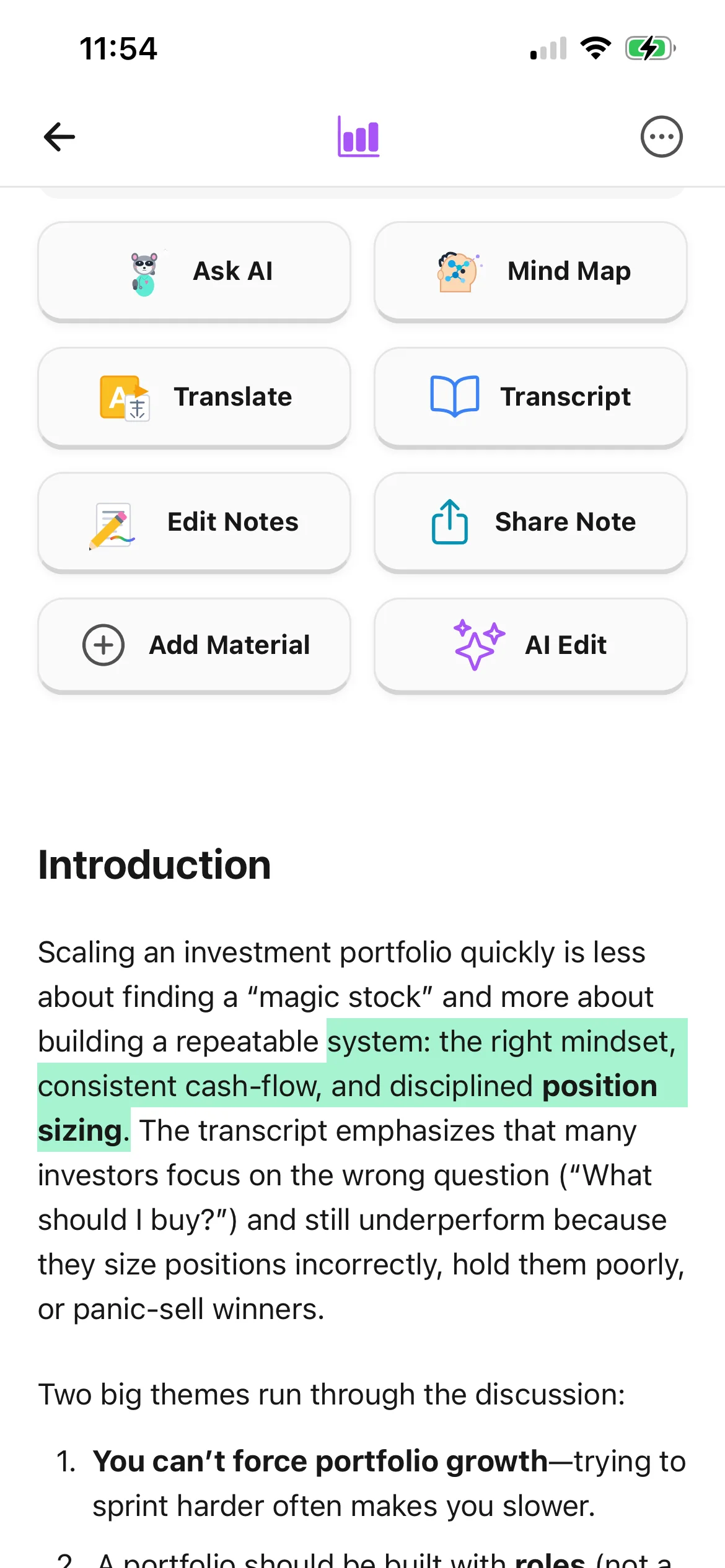
Organize explanations from across a long video into a note that is easier to scan and revisit.
Turn the note into flashcards, quiz questions, a mind map, or an Explain It Back session.
Store video-based notes beside your lecture recordings, PDFs, photos, audio, and text.
From source to active study
Choose an educational video that contains the topic or explanation you need to study.
BrainDen processes the available video content and organizes the main concepts into a readable format.
Edit the note, add your own context, and practise with recall tools instead of relying on another full rewatch.
A concrete example
A 35-minute lesson explaining confidence intervals with worked examples and common interpretation mistakes.
A useful result could include
Generated material is a study aid. Review important terminology, notation, and claims against your source.
Make the result better
BrainDen removes repetitive setup work. Your judgement, course context, and retrieval practice are what turn the result into learning.
Lectures, tutorials, demonstrations, and course reviews provide more study value than videos with little spoken or educational content.
If a diagram, equation, or on-screen demonstration carries meaning that speech alone cannot capture, add that context to your note.
Use content you are allowed to study and keep the original video available when attribution or exact context matters.
Questions and answers
Open BrainDen's YouTube import, paste the video URL, and let BrainDen create a structured note from the available video content.
Yes. Once the note is created, use its connected flashcard and quiz tools to practise the material.
Availability depends on whether BrainDen can access and process the video's content. Private, restricted, unavailable, or unsuitable videos may not be supported.
The note helps you review and practise, but you should return to the original video for visual demonstrations, exact quotations, and context that matters.
Keep building your study system
Start with a YouTube video, create a connected note, and choose the study tools that help you understand and remember it.