
Recover the structure in spoken material
Separate topics, explanations, and examples that are difficult to locate on an audio timeline.
Upload a recording you are permitted to use and transform spoken explanations into a transcript and structured note. BrainDen keeps the material together so you can clarify details and continue studying without replaying every minute.
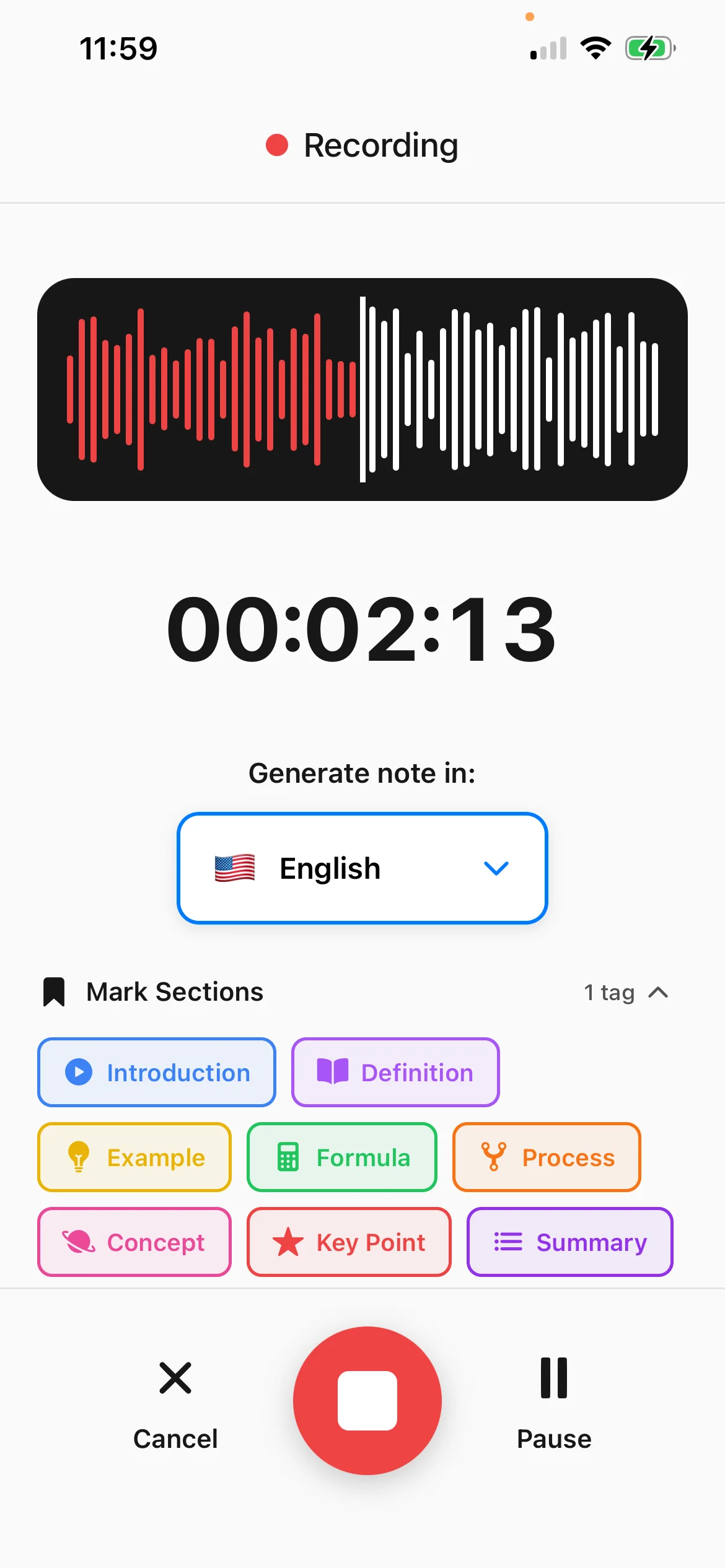
Separate topics, explanations, and examples that are difficult to locate on an audio timeline.
Search the spoken content and compare unclear passages with the original recording when needed.
Move from the note into flashcards, quizzes, mind maps, translation, and Explain It Back practice.
From source to active study
Upload a recorded lesson, voice memo, explanation, or other audio material that you have permission to process.
BrainDen processes the speech and organizes the content into study-friendly sections.
Correct specialist terms, add missing visual context, and test yourself on the ideas instead of only replaying the file.
A concrete example
A 20-minute tutor recording about the difference between two verb tenses with several spoken examples.
A useful result could include
Generated material is a study aid. Review important terminology, notation, and claims against your source.
Make the result better
BrainDen removes repetitive setup work. Your judgement, course context, and retrieval practice are what turn the result into learning.
Background noise, overlapping speakers, and low volume can make names and specialist terms harder to transcribe.
Review terminology that depends on spelling, capitalization, symbols, or domain knowledge.
If the original recording contains sensitive or unnecessary material, use BrainDen's recording controls and your device storage responsibly.
Questions and answers
You can upload supported audio recordings such as lessons, voice notes, or explanations that you are authorized to use.
Yes. The transcript preserves the spoken material while the structured note organizes the important concepts for study.
Yes. Review the result and correct names, specialist terminology, equations, and any context that depends on visuals.
Yes. After the note is created, use the connected flashcards, quizzes, mind map, and Explain It Back tools.
Keep building your study system
Start with an audio file, create a connected note, and choose the study tools that help you understand and remember it.