
Keep the work you already did
Use the explanations, diagrams, and examples in your notebook as the starting point instead of typing every line again.
Photograph the notes you already made, turn them into an editable digital note, and practise the key ideas as flashcards. Your handwriting remains the source while BrainDen gives it a searchable, reusable study structure.
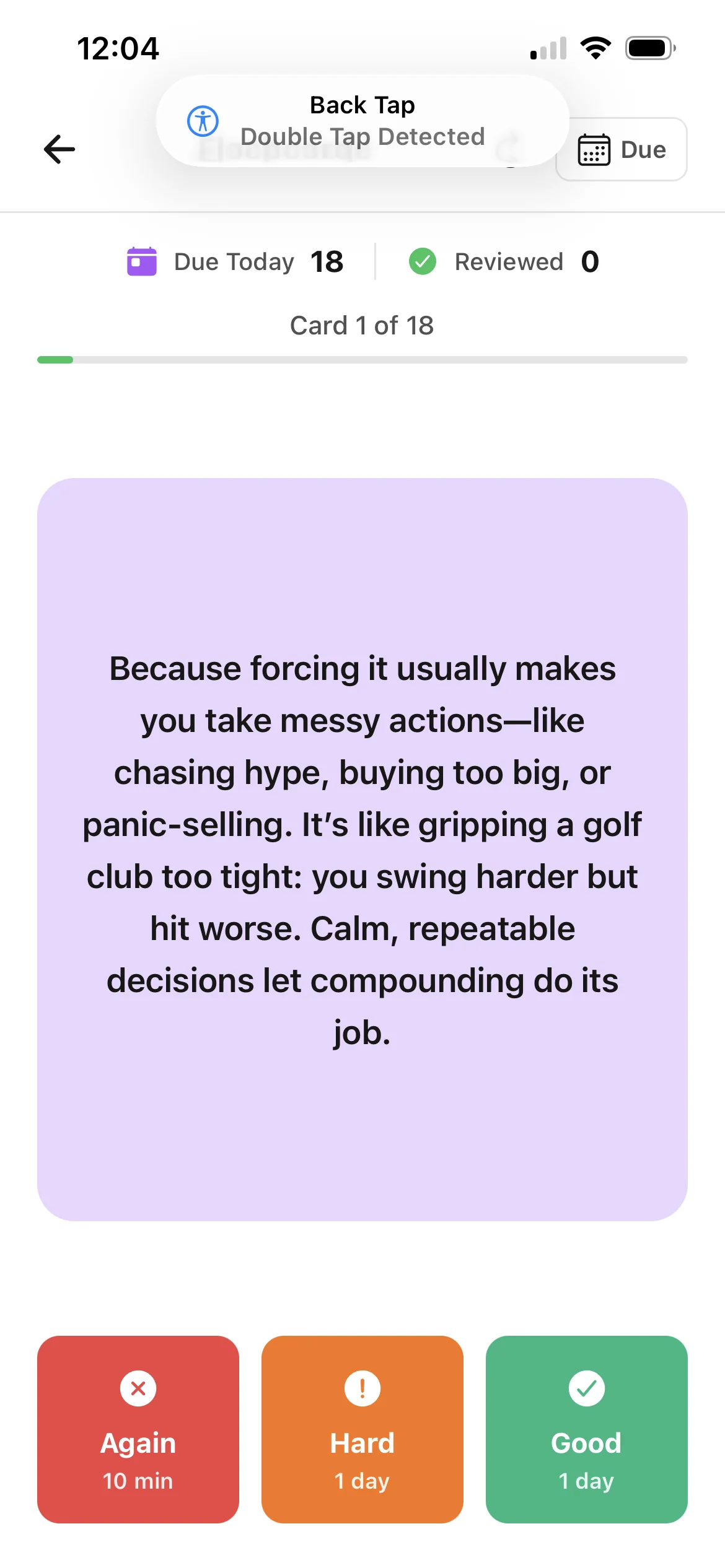
Use the explanations, diagrams, and examples in your notebook as the starting point instead of typing every line again.
Create an editable digital note that can live beside your PDFs, videos, recordings, and other course material.
Practise retrieving answers from memory rather than repeatedly scanning a familiar notebook page.
From source to active study
Use even lighting, keep the page flat, and make sure the writing fills the frame without being cut off.
Review the extracted content and correct handwriting, symbols, abbreviations, or diagrams that need clarification.
Answer from memory, reveal the response, and return to the note when you need the surrounding explanation.
A concrete example
Three notebook pages covering functional groups, reaction conditions, and annotated mechanism sketches.
A useful result could include
Generated material is a study aid. Review important terminology, notation, and claims against your source.
Make the result better
BrainDen removes repetitive setup work. Your judgement, course context, and retrieval practice are what turn the result into learning.
Sharp, well-lit images with legible writing give the extraction a stronger starting point.
Handwritten equations, arrows, labels, and specialist notation should always be checked against the original page.
Add the memory cues and classroom context that made sense when you wrote the notes; they can make the flashcards more personal.
Questions and answers
BrainDen can extract text from clear images, but results depend on image quality and legibility. Always review handwriting, notation, and diagrams after processing.
No. Capture the page, review the generated digital note, and then use its connected flashcard study view.
Keep the original image and manually add any visual relationship that text extraction does not represent accurately.
Yes. BrainDen supports adding multiple sources to a note, so your handwritten page can be studied alongside relevant PDFs, recordings, video, audio, or text.
Keep building your study system
Start with handwritten notes, create a connected note, and choose the study tools that help you understand and remember it.