
See the structure before the details
Turn a dense file into headings and explanations that make the relationships between ideas easier to follow.
Stop switching between an isolated summary and the file it came from. BrainDen turns your PDF into an organized note while keeping the source available for highlighting, comments, verification, and deeper study.
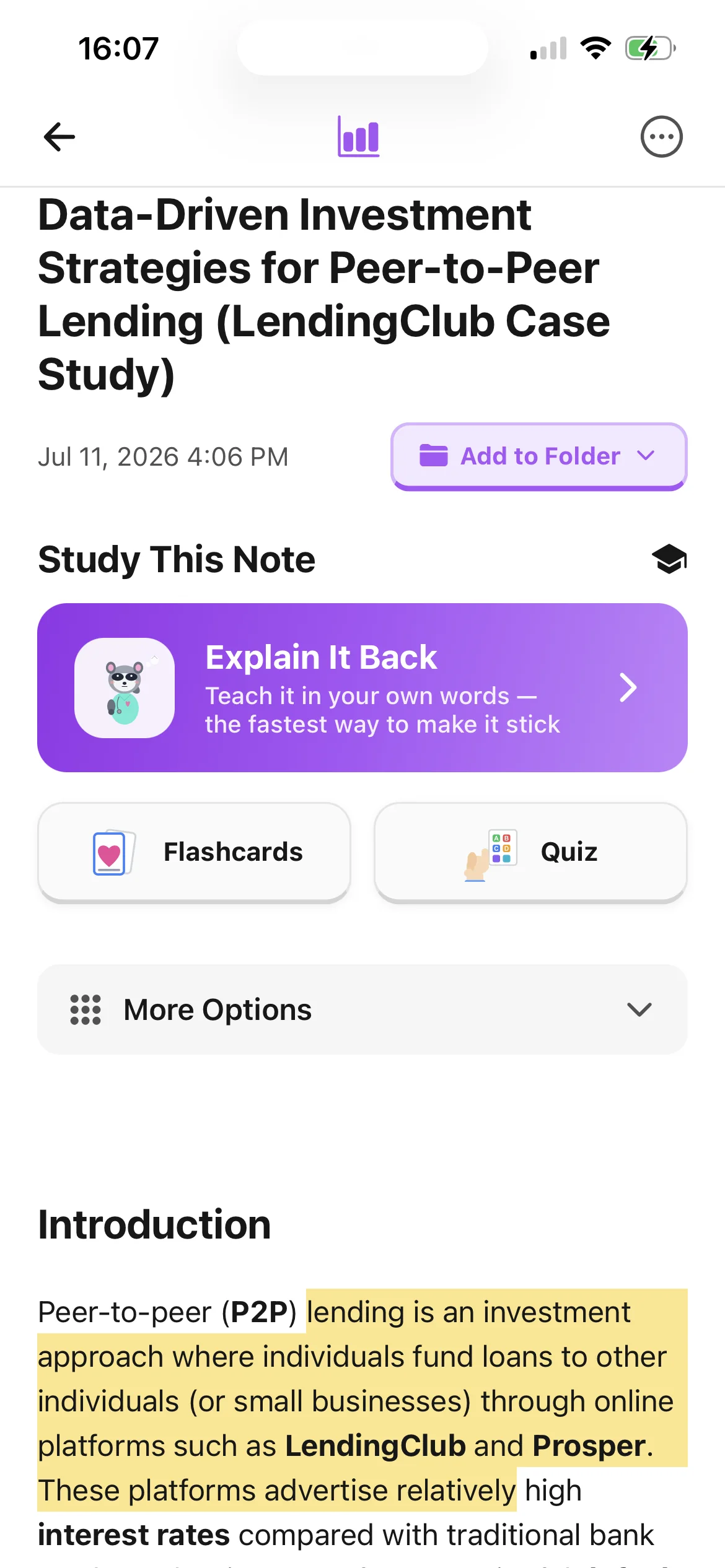
Turn a dense file into headings and explanations that make the relationships between ideas easier to follow.
Open the attached PDF beside your note to verify a claim, revisit a diagram, or recover important context.
Highlight passages, leave comments, and edit the note with information from lectures or tutorials.
From source to active study
Import the article, chapter, syllabus, lecture deck, or course handout you need to understand.
The content is extracted and transformed into a readable note with the main ideas grouped logically.
Check the note against the source, highlight important passages, add your own comments, and choose a study tool when you are ready to practise.
A concrete example
A 28-page paper explaining sampling, validity, reliability, and common sources of bias.
A useful result could include
Generated material is a study aid. Review important terminology, notation, and claims against your source.
Make the result better
BrainDen removes repetitive setup work. Your judgement, course context, and retrieval practice are what turn the result into learning.
Add comments that connect the reading to the questions, learning outcomes, or cases your instructor emphasized.
Verify technical details against the source and edit the note until it reflects what you need to learn.
Once the structure is clear, switch to flashcards, quizzes, or Explain It Back instead of repeatedly rereading.
Questions and answers
You can use course readings, lecture slides, textbook chapters, reports, and other study PDFs that you are permitted to upload. Clear, text-based documents generally provide the best extraction.
Yes. BrainDen keeps the PDF connected to the generated note, and you can highlight passages and add comments while studying.
It is designed to make the source easier to navigate and study, not to remove the need to verify important details, diagrams, quotations, or specialist notation.
You can edit it, translate it, create flashcards and quizzes, build a mind map, and use Explain It Back for active-recall practice.
Keep building your study system
Start with a PDF, create a connected note, and choose the study tools that help you understand and remember it.