
Share the smallest useful scope
Choose one note for a single explanation or a folder when classmates need several directly related notes in one read-only collection.
A classmate may need your explanation of one topic, not every file attached to it or the rest of your workspace. BrainDen lets you share one note or the notes directly inside a folder through a read-only web link, choose whether the original source and transcript are included, and disable the link later.
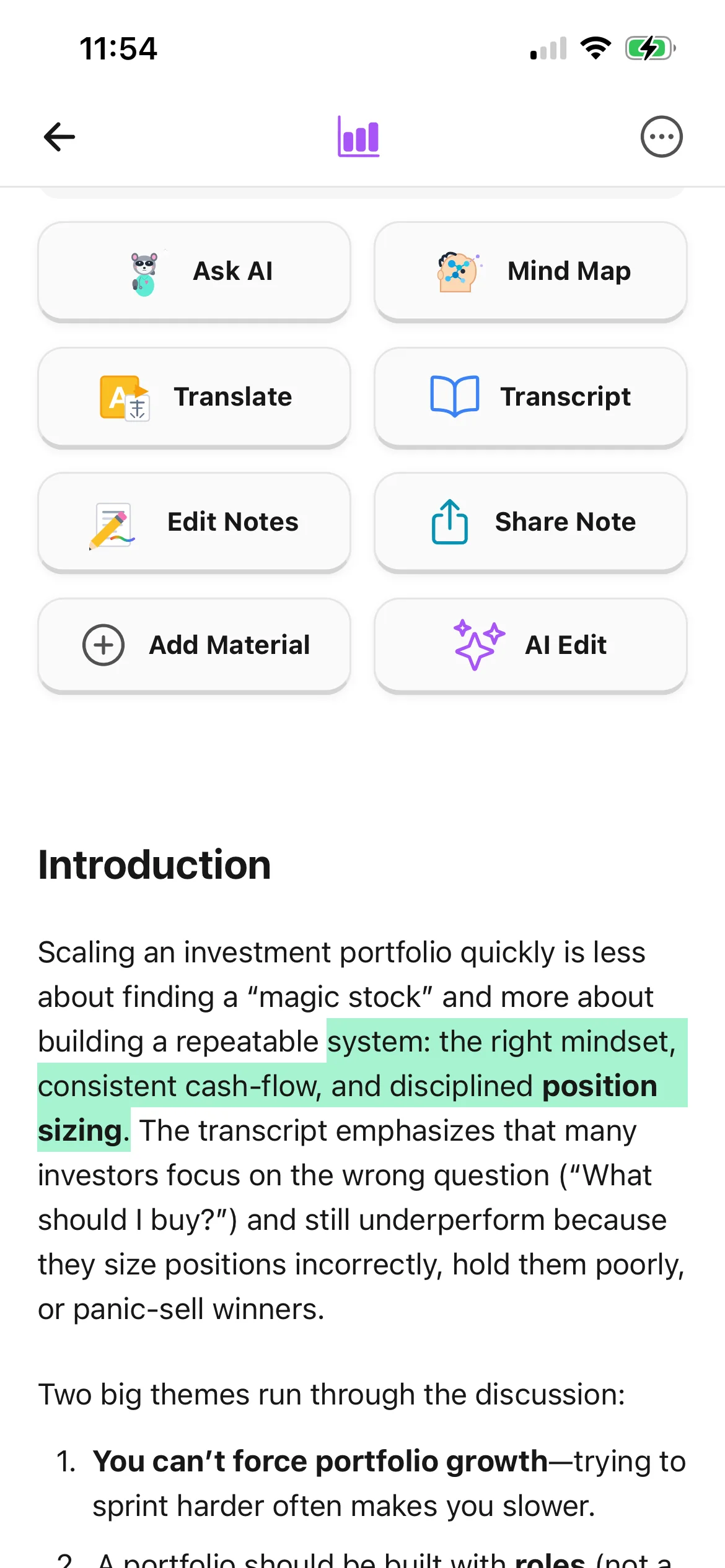
Choose one note for a single explanation or a folder when classmates need several directly related notes in one read-only collection.
Decide whether the attached source material and transcript should appear with the note rather than assuming every layer belongs in the share.
Return to the sharing settings and disable public access after the revision session, tutoring exchange, or group project has ended.
Workflow fit
From source to active study
Correct generated text, remove private comments, check citations, and confirm that every directly contained note is appropriate for the intended classmates.
Choose whether the public view includes the original source and transcript. Hide them when the recipient only needs your structured note or you lack permission to redistribute them.
Share the public URL through the channel your group already uses, ask one person to verify the view, and turn public sharing off when access is no longer needed.
A concrete example
A folder containing three directly stored notes on confidence intervals, hypothesis tests, and common interpretation errors, plus attached course handouts.
A useful result could include
Generated material is a study aid. Review important terminology, notation, and claims against your source.
Make the result better
BrainDen removes repetitive setup work. Your judgement, course context, and retrieval practice are what turn the result into learning.
Your own note may summarize material you are allowed to study, but that does not automatically grant permission to republish slides, readings, recordings, or transcripts.
Read the public-facing content before sending the link. Delete names, draft comments, irrelevant transcript sections, or details that were never meant for the group.
Tell classmates whether the link is a discussion starter, revision pack, or checked reference. A shared note should support group study rather than replace each person's own practice.
Questions and answers
No. A public sharing link opens a read-only web view without requiring the recipient to sign in to BrainDen.
Yes. The sharing controls let the owner choose whether the public note view includes the original source and transcript.
Yes. One folder link can show the notes directly inside that folder. Nested subfolders are not recursively included in the public view.
Yes. Turn public sharing off and the link will no longer return the shared note or folder to recipients.
Continue in your connected library
Send the part of your study library another person needs without handing over your whole workspace. Share one note or an organized folder, choose what the public view includes, and turn the link off when you are finished.
Explore this featureOrganize your libraryA growing study library should match the way your course is actually structured. Build folders inside folders so lectures, readings, assignments, and revision topics stay easy to find.
Explore this featureKeep building your study system
Start with a note or course folder, create a connected note, and choose the study tools that help you understand and remember it.