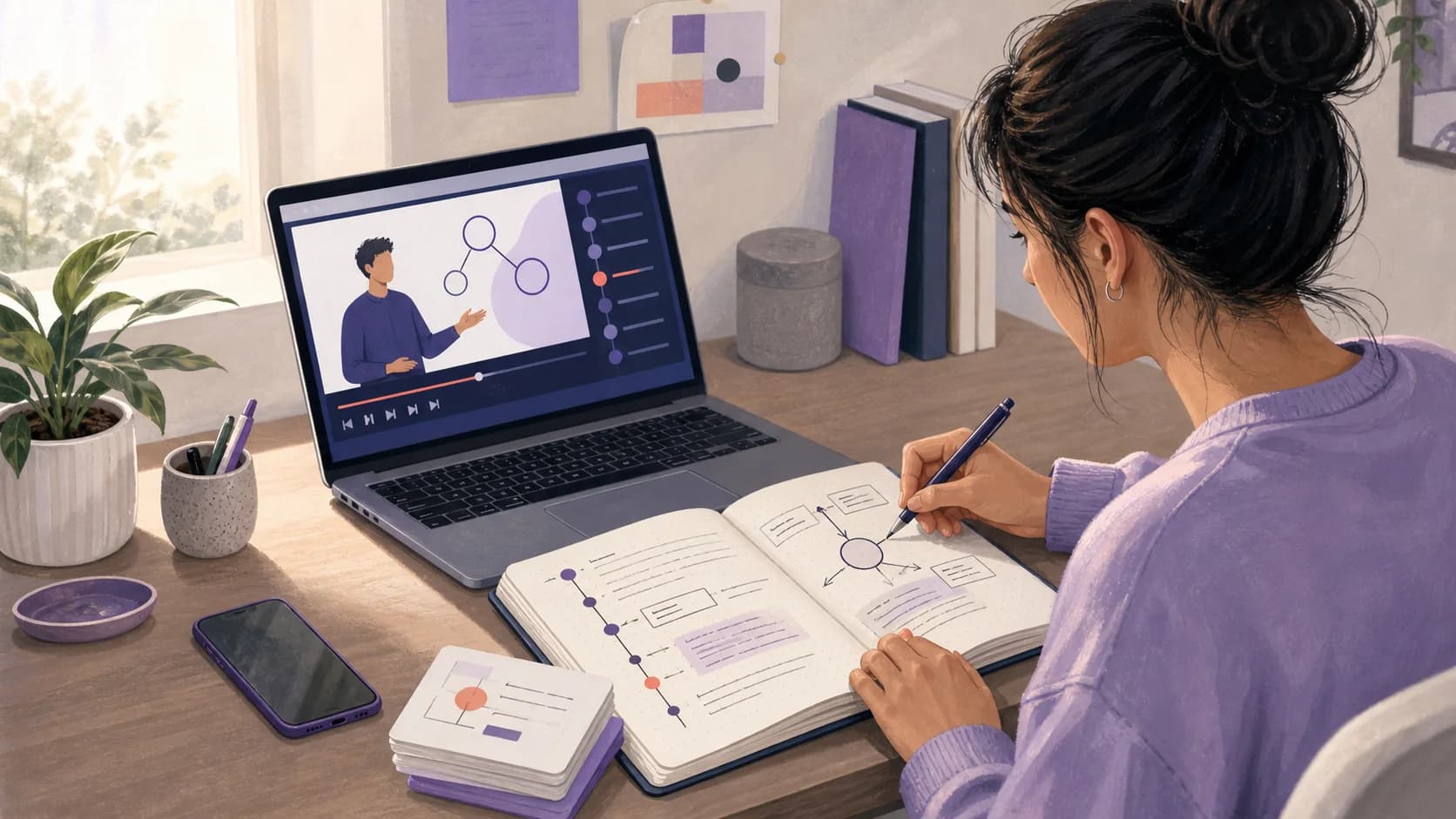
To take notes from a YouTube video, start with a specific learning goal, save the video link, and make three passes. First, map the video's structure. Second, pause at meaningful ideas to record concise notes and timestamps. Third, close the video and turn the notes into questions you can answer from memory. Check names, formulas, diagrams, and other important details against the video before you study them.
The aim is not to copy the transcript. It is to produce a short, traceable study resource that helps you find an explanation, understand it, and retrieve it later.
Quick answer: Preview the chapters or transcript, write one line for each main idea, attach a timestamp to examples and confusing moments, add visual details the transcript misses, verify the finished note, then create a few recall questions.
Why video notes need a different method
A video combines several channels at once. The speaker explains an idea, a diagram changes on screen, a formula appears, and an example may unfold over several minutes. A transcript records spoken words, but it may not capture what an arrow points to, which line of code changed, or how a graph moved.
Video also makes copying unusually tempting. You can pause after every sentence and create a complete written duplicate, but that leaves you with two long sources instead of one usable note.
A better note does four jobs:
- identifies the video's central question
- preserves the structure in a compact form
- points back to important moments with timestamps
- creates prompts for later practice
This method works for recorded lectures, tutorials, explainers, worked problems, and course videos. The balance changes by format. A history explainer may need claims and evidence, while a calculus demonstration needs the steps, assumptions, and points where the method changes.
Before watching: choose the source and the goal
Check whether the video deserves a place in your notes
Do not treat the first clear presentation as automatically reliable. Check who made the video, when it was published, which sources it uses, and whether its level matches your course.
For a course assignment, compare the video with the syllabus, lecturer's materials, or assigned reading. For a changing topic, check the publication date and whether a more current source exists. If the speaker makes a claim you cannot trace, label it for verification rather than copying it as fact.
Record this source header before you begin:
- video title and link
- channel or creator
- date watched
- course, unit, or project
- your learning goal
A useful goal completes this sentence: After this video, I should be able to explain, compare, solve, or demonstrate...
Understand photosynthesis is too broad. Explain how the light-dependent reactions create the inputs used by the Calvin cycle gives you a filter for deciding what belongs in the note.
Open the transcript when one is available
YouTube lets viewers open the full transcript for videos that have captions. Its help page explains that selecting a transcript line jumps to that moment in the video. This makes the transcript useful for locating a term or returning to an explanation, not just reading along. See YouTube's guide to viewing video transcripts.
Treat an automatic transcript as navigation, not authority. YouTube states that automatic captions can misrepresent speech because of pronunciation, accents, dialects, or background noise. Its automatic captioning guidance tells creators to review and correct errors.
Names, symbols, numbers, and technical vocabulary deserve a direct check against the audio and visual source.
How to take notes from a YouTube video in three passes
Pass 1: Map the video without writing full notes
Spend the first few minutes finding the shape of the lesson. Read the title and description, scan the chapters, and skim the transcript headings or repeated terms if they are available.
Write a short map such as:
- problem or question
- key definition
- explanation or method
- worked example
- limitation or conclusion
If the video is short, you can watch it once at normal speed and write only section labels. For a long video, preview the opening, chapter boundaries, and conclusion. Do not stop to polish sentences yet.
This pass prevents a common problem: taking detailed notes on a long introduction, then rushing through the part that answers your actual question.
Pass 2: Capture ideas, evidence, and visual details
Watch the relevant sections actively. Pause at conceptual boundaries, not after every sentence. For each important idea, record:
- a short heading
- the idea in your own words
- the supporting example, step, or evidence
- a timestamp when you may need to return
- a question or uncertainty
Cornell's Learning Strategies Center recommends pausing prerecorded lectures every 10 to 15 minutes to review notes and connect the content with other course material. The same online lecture guidance also recommends taking notes as you would in a normal class.
Use that interval as a ceiling, not a timer you must obey. Pause sooner when a difficult derivation ends, a diagram changes, or the speaker moves to a new claim.
Your note can use compact timestamped entries:
- 02:40, definition: Rewrite the term in plain language, then check it against the textbook.
- 07:15, diagram: Record which variable affects the next stage, then redraw it without looking.
- 12:05, worked example: State why the method works, then make a similar problem.
- 18:30, exception: Write when the rule does not apply, then create a contrast question.
Timestamps should be selective. Mark the moment where a definition begins, the final view of a diagram, the step you could not follow, or the example most likely to help later. A timestamp on every line adds noise.
Pass 3: Convert the note into study practice
When the relevant section ends, close the video and transcript. Write a three-sentence summary from memory. Then compare it with your notes and correct the gaps.
Turn the most important headings into questions:
- What problem is this method designed to solve?
- Why does step two happen before step three?
- Which condition makes the formula valid?
- How does the example support the main claim?
- What changes in the exception?
The Cornell note-taking system separates detailed notes from cues or questions, then uses those cues for recitation with the note covered. Cornell's summary of the system describes this record, question, recite, reflect, and review sequence.
You do not need a question for every line. Choose a small set that represents the video's central model, process, distinctions, and applications. For a broader retrieval workflow, use our guide to active recall with flashcards and quizzes.
A worked example: notes from an economics explainer
Imagine a 16-minute video explaining opportunity cost with a production possibilities curve.
Your goal is: Explain opportunity cost and use a curve to identify the cost of increasing one output.
The first pass produces this map:
- definition of scarcity
- trade-offs and opportunity cost
- axes and points on the curve
- movement along the curve
- one numerical example
During the second pass, do not copy the presenter's full definition. Write: Opportunity cost is the value of the best alternative given up when a choice is made. Add the timestamp where the presenter moves from the verbal definition to the graph.
The transcript may record moving from A to B, but your note must identify what the axes measure, which output increases, and what is sacrificed. Add a small sketch or a sentence describing that visual change.
For the third pass, hide the note and answer:
If output A rises from 20 to 30 while output B falls from 50 to 42, what is the opportunity cost of the extra 10 units of A?
Then draw a new curve example and explain it aloud. The note has now moved beyond summary into application.
How to use AI without losing the source
AI can draft a transcript summary or structured note, but it cannot decide which details your course assesses or guarantee that a captioned term is correct.
Use this sequence:
- Import or link the video.
- Generate a structured first draft.
- Compare the headings with your learning goal.
- Replay timestamps for technical terms, numbers, formulas, demonstrations, and claims.
- Add the visual information that speech alone does not express.
- Edit the note before generating flashcards or a quiz.
BrainDen supports video links as source material and keeps the source connected to the structured note. That makes it easier to return to the video while checking a summary and then create practice from the corrected material.
If your source is a live or recorded class rather than a public video, the permissions and capture steps are different. Follow our guide on recording lectures and turning them into study notes.
What if the transcript is missing or the video is highly visual?
No transcript or captions
Create your own timestamp outline while watching. Use short section labels and replay only the passages needed to check important wording. If the audio is unclear, find a second authoritative source rather than guessing.
Diagrams, slides, or equations
Pause on the final state of the visual. Record what each label means and what changed during the explanation. Copying a formula is not enough. Include its variables, conditions, units, and one example of when to use it.
Software or laboratory demonstrations
Separate observation from instruction. Write what the presenter did, why the step matters, and how you will verify the result. Do not rely on a video for current safety procedures or software behavior when official documentation is available.
Common mistakes when taking video notes
Copying the transcript
A transcript is searchable source text. A study note is a selected explanation organized around what you need to learn. Keep the transcript available, but do not turn it into your final note by changing a few words.
Watching at high speed before understanding the structure
Faster playback can help with familiar sections. Slow down for new definitions, calculations, dense examples, and visual changes. Speed is useful only when comprehension remains intact.
Recording only what was said
Videos teach through images as well as speech. Add the diagram relationship, code change, physical movement, slide contrast, or equation state that carries the meaning.
Trusting a polished summary
Clear prose can still contain a caption error or omit a condition. Verify the details that would make an answer wrong, then generate study questions from the checked note.
Finishing with a summary
A summary tells you what the video covered. A question tests whether you can use it. Finish each note with three to seven prompts, one confusing point to resolve, and the next review action.
A final video-note checklist
Before you close the source, confirm that:
- the learning goal is written at the top
- the title, link, creator, and date watched are saved
- headings reflect the video's real structure
- important examples and confusing moments have timestamps
- diagrams and demonstrations are represented, not just the speech
- technical details have been checked against the source
- unsupported claims are labeled for verification
- the note ends with a small set of recall or application questions
Good video notes are shorter than the video, faithful to the source, and ready to use without another full watch. Map first, capture only what serves the goal, verify what matters, and finish by retrieving the idea yourself.
Turn a supported video into a connected note and active study practice with BrainDen, then choose web, iPhone, iPad, or Android.
Turn your next source into a study system.
Create structured notes, flashcards, quizzes, mind maps, and active-recall practice from your own material.